Carbon for AI
IBM
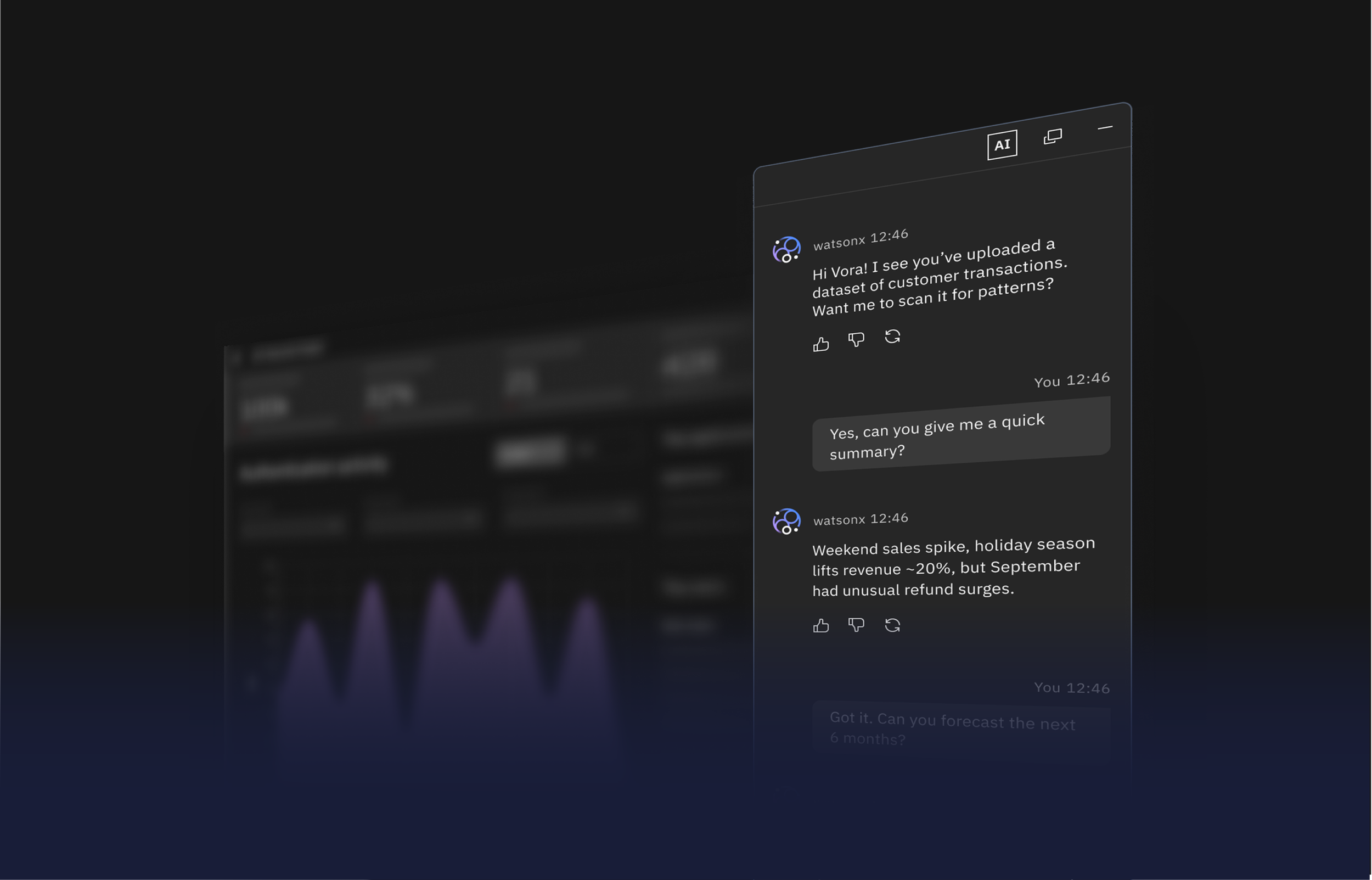
Carbon for AI is an open-source extension of IBM’s Carbon Design System that brings clarity, transparency, and consistency to AI experiences. It sets a new standard for responsible AI design.
My role
Product designer
Visual Design Lead
User Experience Designer
Timeline
10 months
August 2023 — May 2024
Team
9 Designers
Skills
Research & Strategy
User Experience Design
Product Design & Delivery
Overview
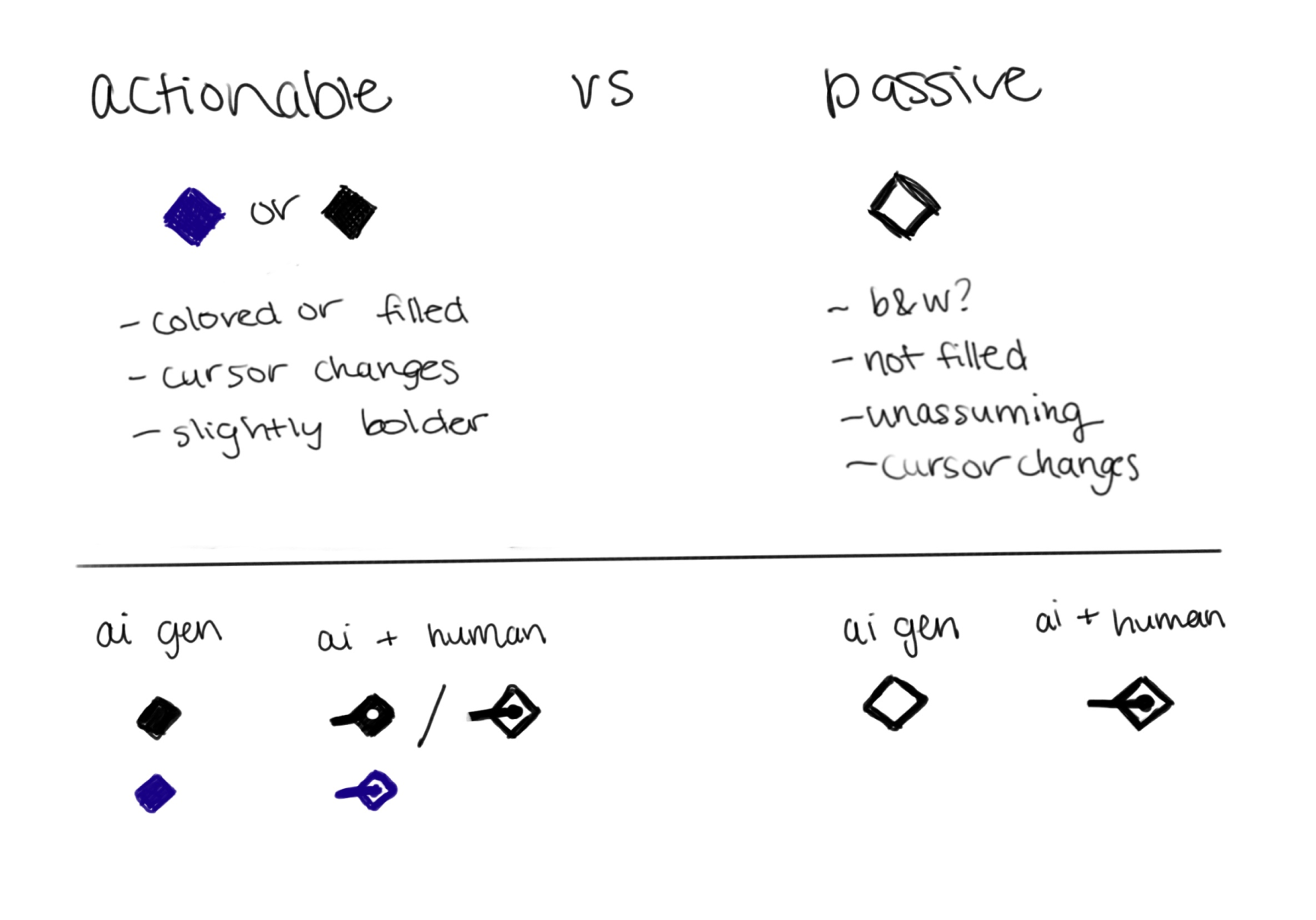
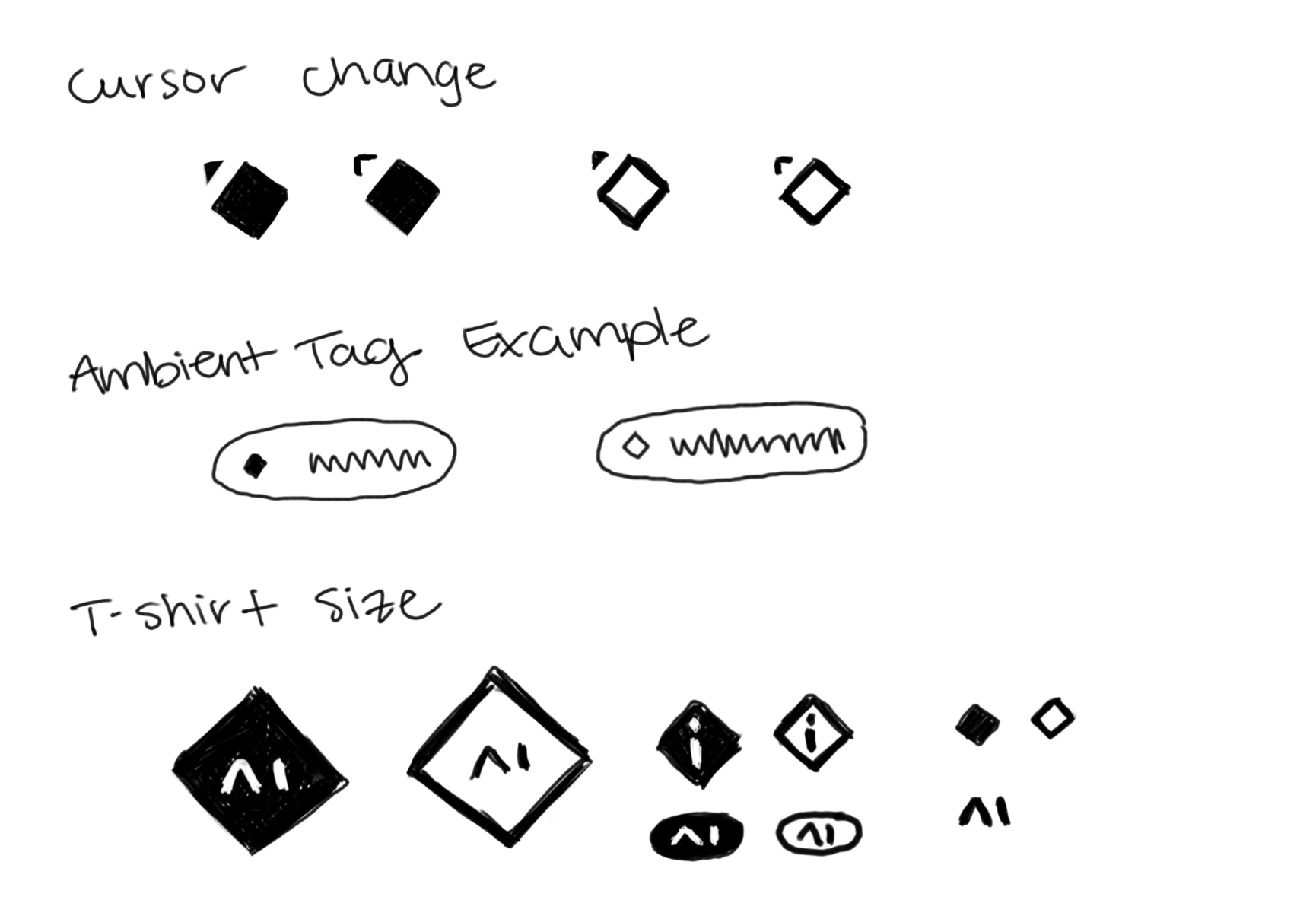
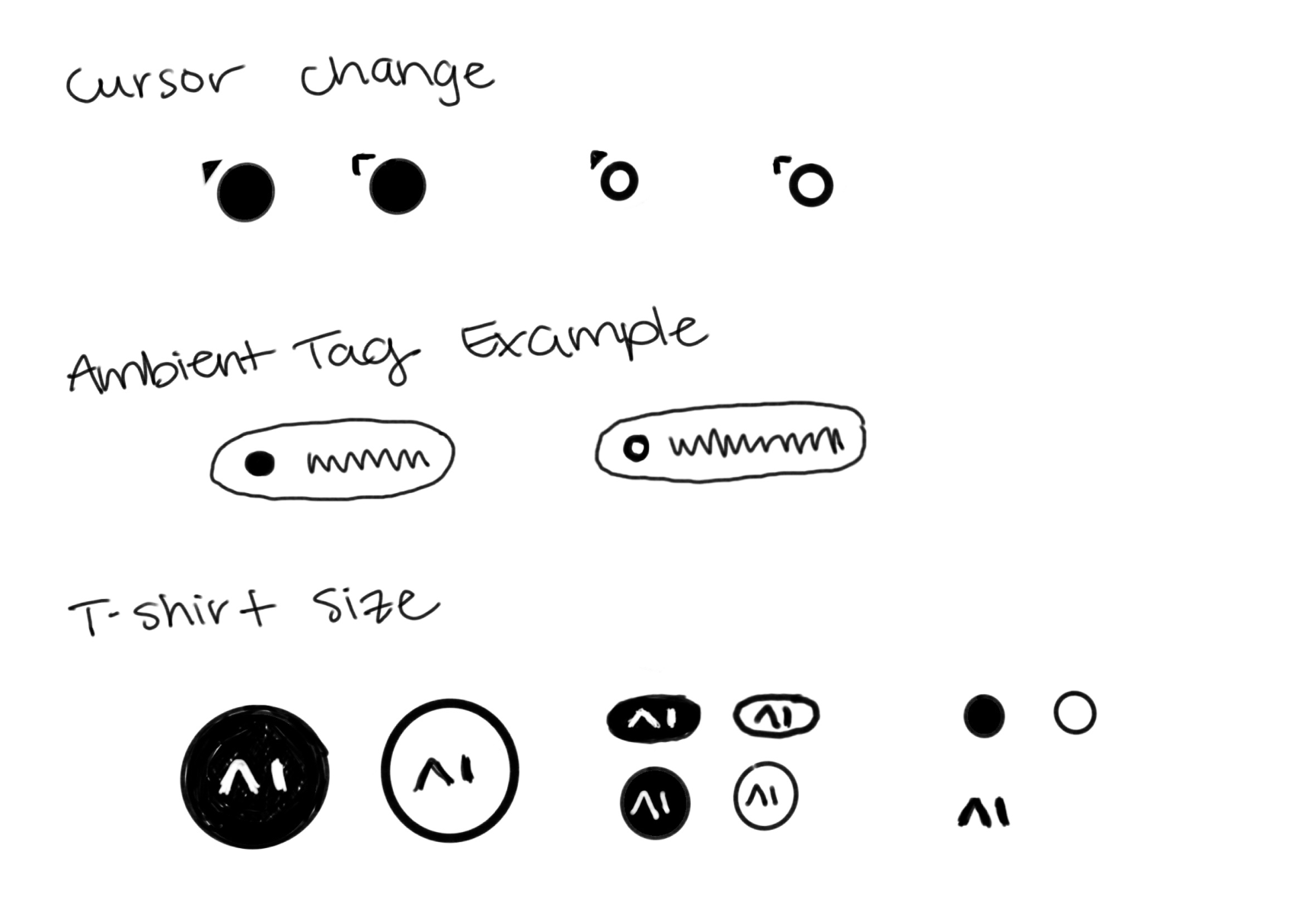
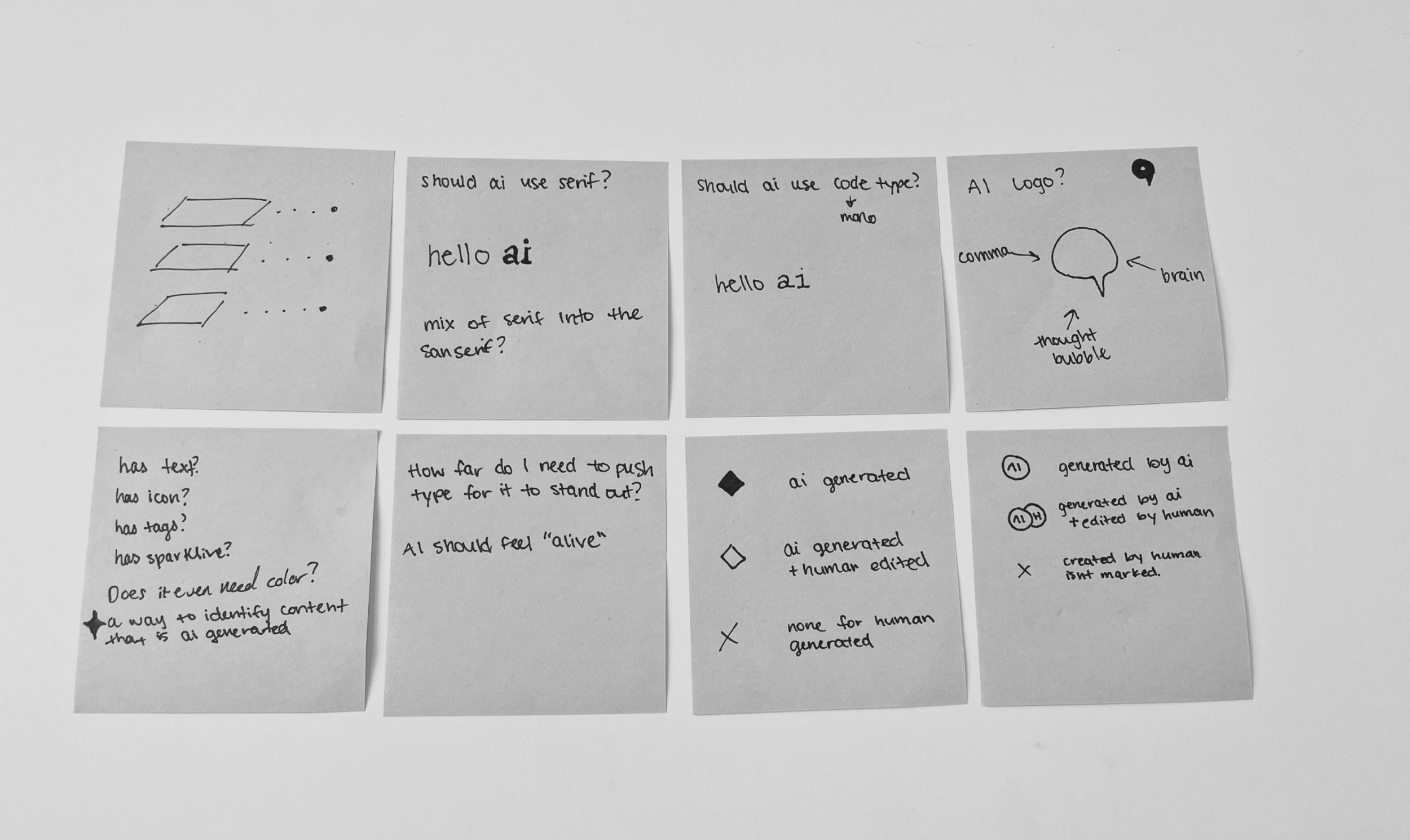
When everything claims to be “AI,” how do we signal what truly is?
When IBM started shipping AI features across its product portfolio, nobody could agree on what AI should look like or how users should recognize it. Without standards or conventions, AI features were hard to identify, eroding user trust. Misuse or misunderstanding of AI can lead to serious errors that jeopardize customer confidence and a company's reputation.
When we asked designers on our own products, many of them did not know which parts of their product were actually AI. I defined the visual language that solved this: the illumination system, glow levels, color palette, and layering model that made AI instantly recognizable across components. I designed the base components and established exactly where and how AI appeared throughout the interface. A team of 9 designers then applied and extended that foundation across 15+ products in 10 months. It now lives publicly at carbondesignsystem.com, adopted beyond IBM as an open standard for AI design.
As a team of 9 product designers, our goal was to establish a clear identity and design system for AI, integrate it, and ship it into production across 15+ products within 10 months.

Product strategy
Define the role and types of AI within our products. Identify priority use cases to tackle. Establish design principles to guide consistency, trust, and accessibility.

Prototype and test
Build prototypes to visualize AI interactions and patterns. Partner with cross-functional teams to validate feasibility as we designed. Conduct usability testing across teams to uncover user expectations in gaps of AI recognition.
Iterating with feedback
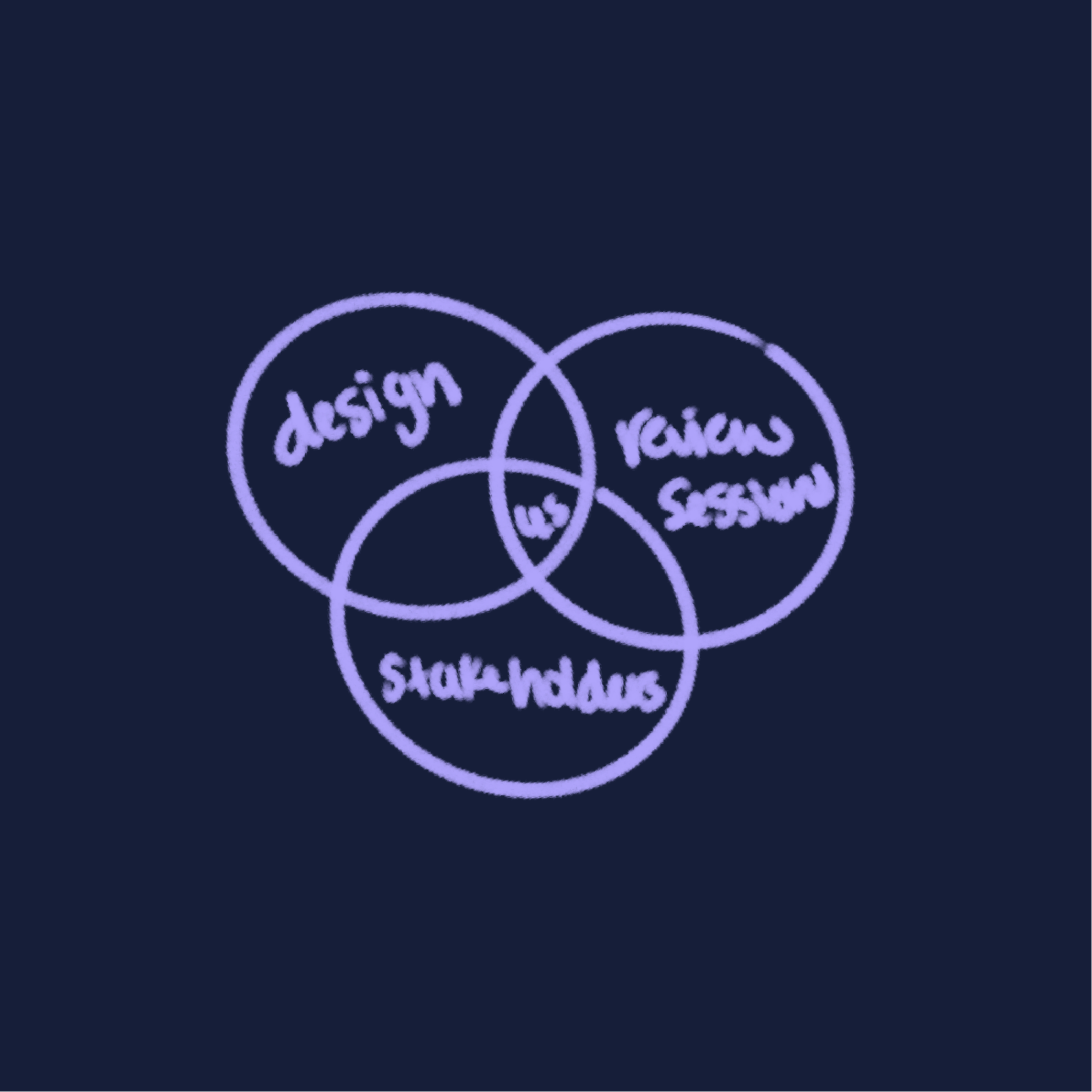
Incorporated feedback loops from 10+ design teams, stakeholders, and design reviews. Refined through multiple iterations to balance clarity, performance, and scalability. Documented patterns and codified them for adoption.

The Challenge
Designing in the Unknown: How do you trust what you can’t see?
Designing for AI is still largely uncharted territory. AI emerges in our products without established standards, visual cues, or shared conventions. Unlike traditional software, its behavior is unpredictable, which makes it harder for users to know what to expect.
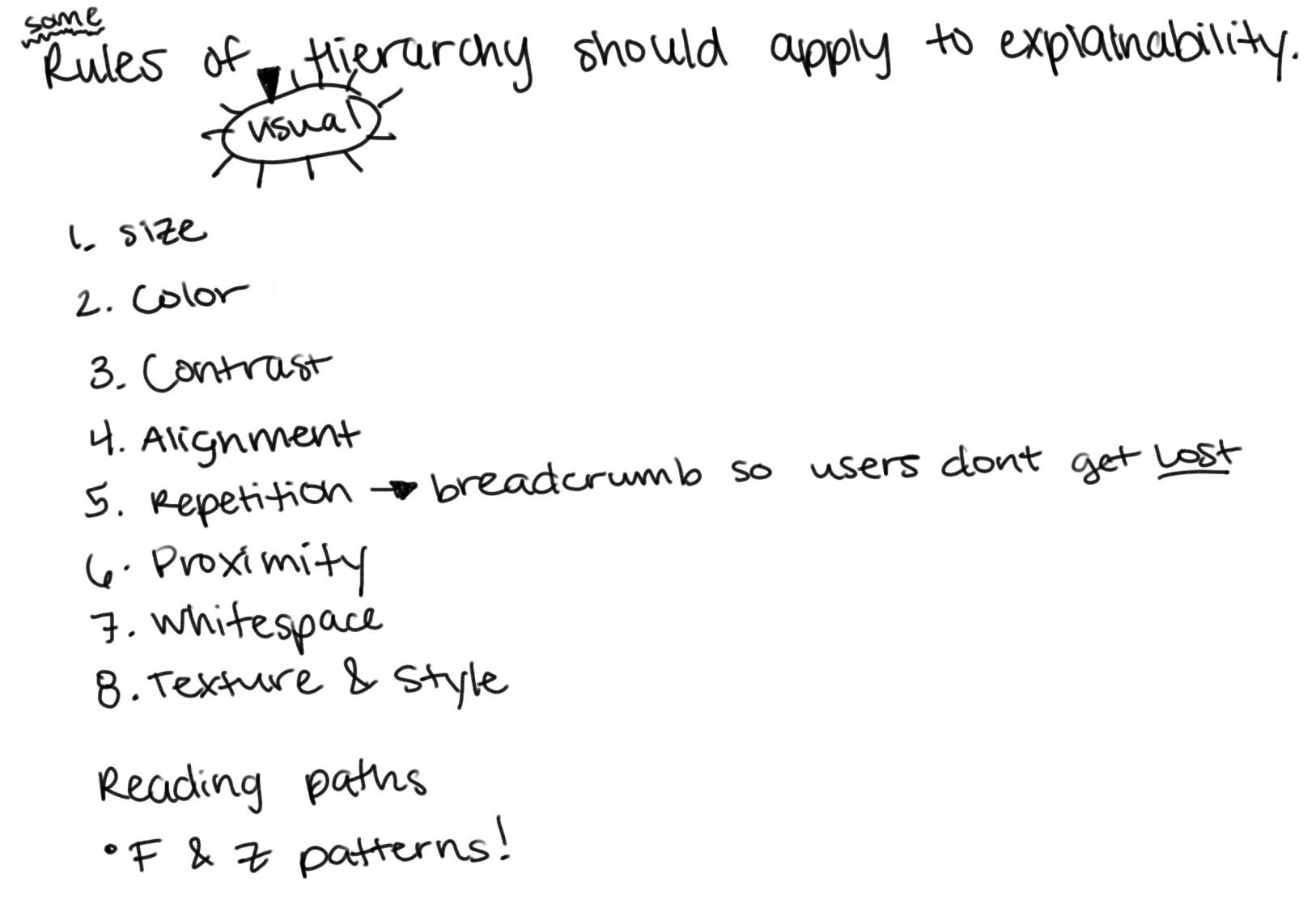
As designers, we face a fundamental question: how do we make AI recognizable, trustworthy, and usable when the rules don’t exist yet? We walk a fine line between showing the power of AI and giving users enough clarity and control to trust it. If the system feels too opaque, it risks mistrust. If it feels too magical, it risks confusion.
We are not just designing screens — we are pioneering the interaction language and identity of AI, ensuring it feels consistent across products while staying human-centered and accessible.
The Opportunity
Shaping a North Star in motion
At the same time, this work gives us a rare opportunity. Designing for AI at enterprise scale means we are moving a behemoth of a company toward a shared vision. Our task is to define a north star for AI design — not a fixed point, but a guiding direction that adapts as we learn.
The opportunity is not to get everything right the first time, but to create a framework that spans 10+ products, inspires adoption, and grows with the technology. We embrace iteration, knowing that mistakes and course corrections are part of building something new. Every prototype, every piece of feedback, every adjustment sharpens the North Star, while also reinforcing the flexibility and agility we need to embrace change along the way.
In doing this, we are not only addressing today’s challenges — we are laying the foundation for how our organization approaches AI for years to come.
Partnering with early adopters
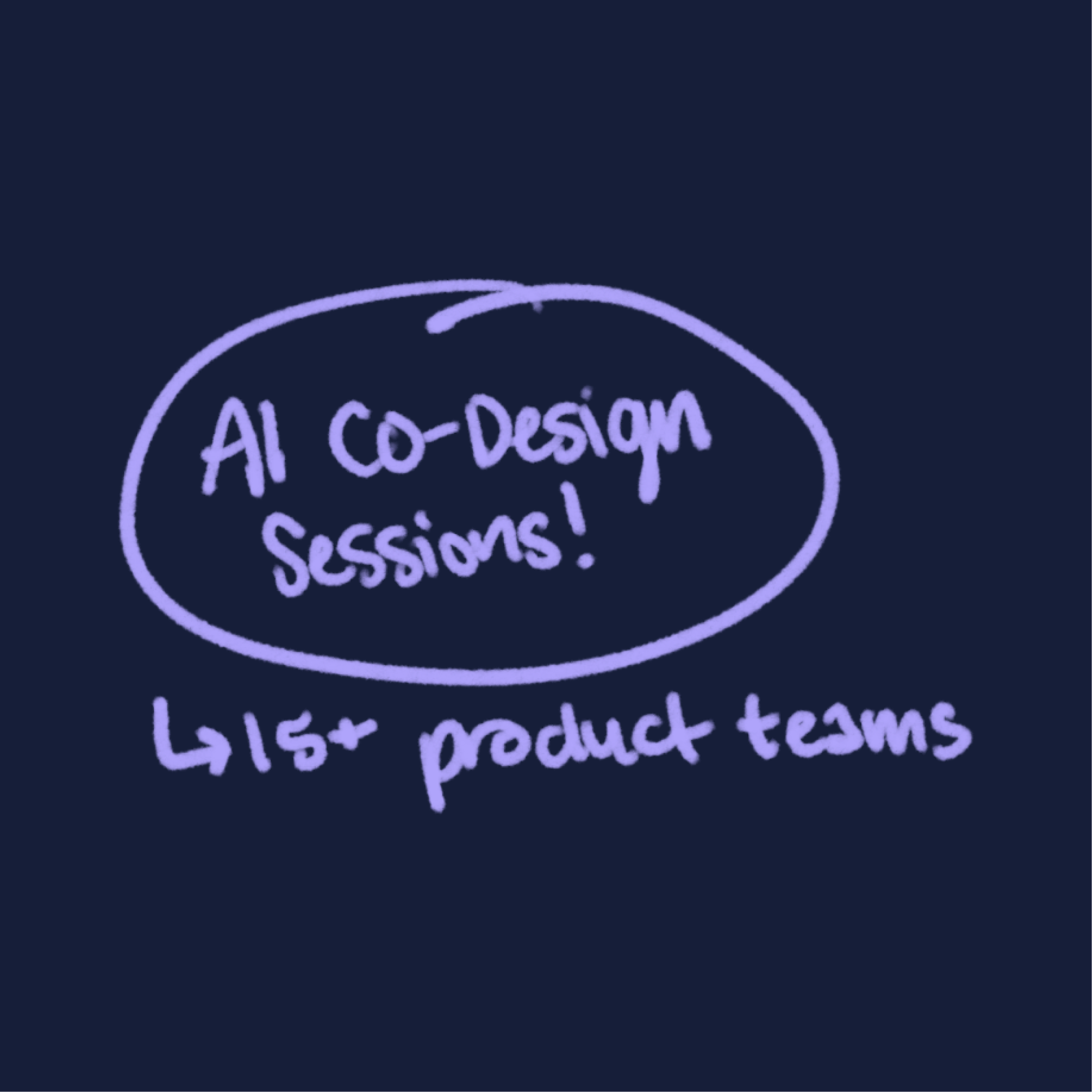
Collaborated with 15+ product teams piloting AI, accelerating their launches while pressure-testing our system in real-world use cases.
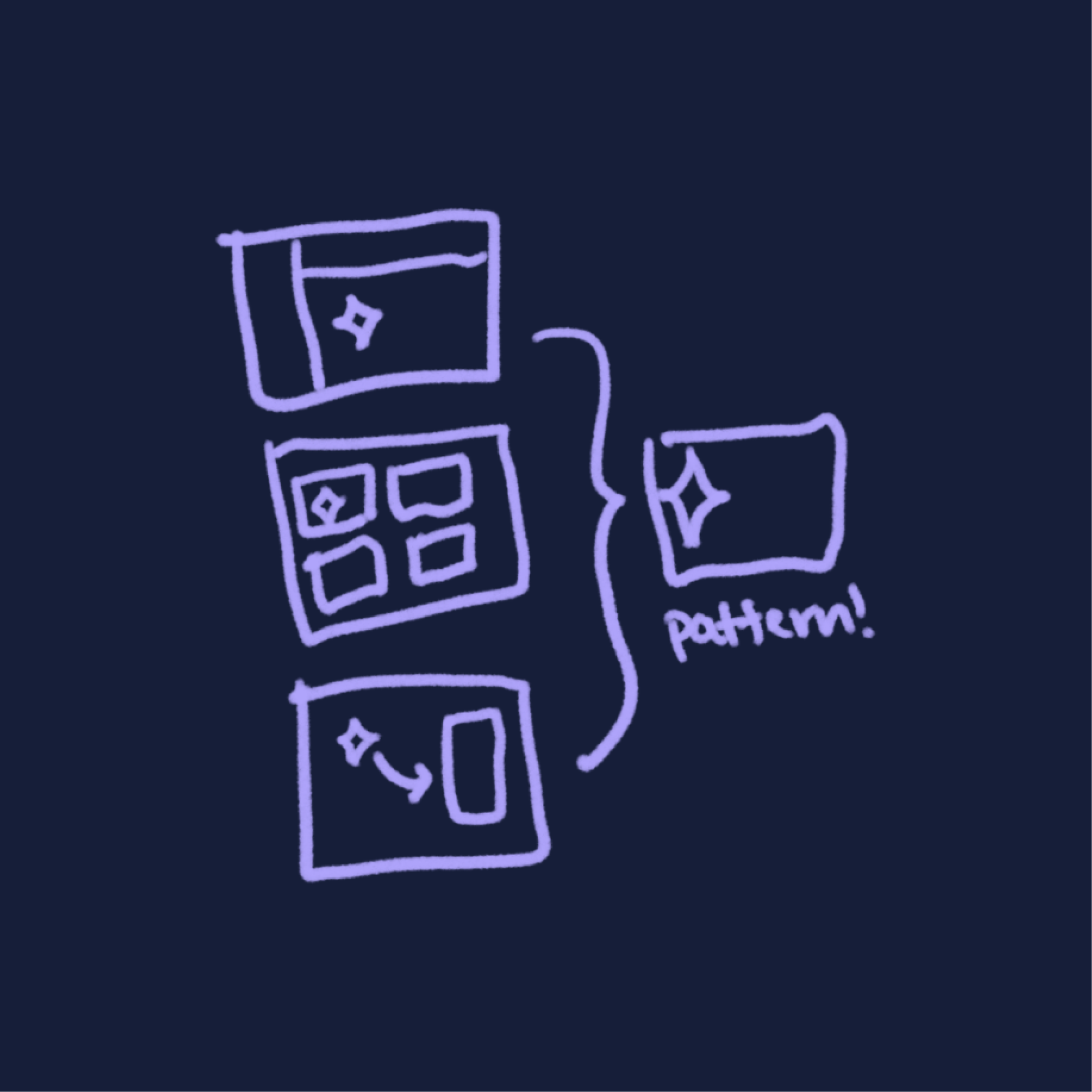
Turning insights into patterns
Converted user needs and feedback into 20+ reusable design patterns, reducing design duplication and creating consistency across the company’s AI experiences.

Deep dives through office hours
Hosted 60+ office hour sessions with teams, uncovering gaps early and co-creating solutions that strengthened adoption of the AI design system.
The Solution
We set the standard for AI design where intelligence meets identity.
To move from vision to execution, we created a unified design and development system that gave AI a recognizable identity, streamlined integration for product teams, and built trust with users across IBM’s portfolio, now known as Carbon for AI.
Easy adoption
The AI design system was quickly adopted by 15+ product teams, scaled into IBM products and delivered within 10 months.
Built-in trust
A transparent, recognizable AI identity gave users confidence and created familiarity across IBM’s portfolio.
Faster delivery
Reduced design and development time by reusing solved foundations instead of reinventing solutions.
Scalable community
Resources, office hours, and reusable patterns empowered non–early adopter teams to integrate AI with ease.
Unified consistency
Shared sources in Figma, Carbon libraries, and development resources prevented fragmentation across IBM.
Future ready
The system was built to evolve alongside AI technology, ensuring IBM stays ahead as capabilities expand.

Designed to illuminate AI
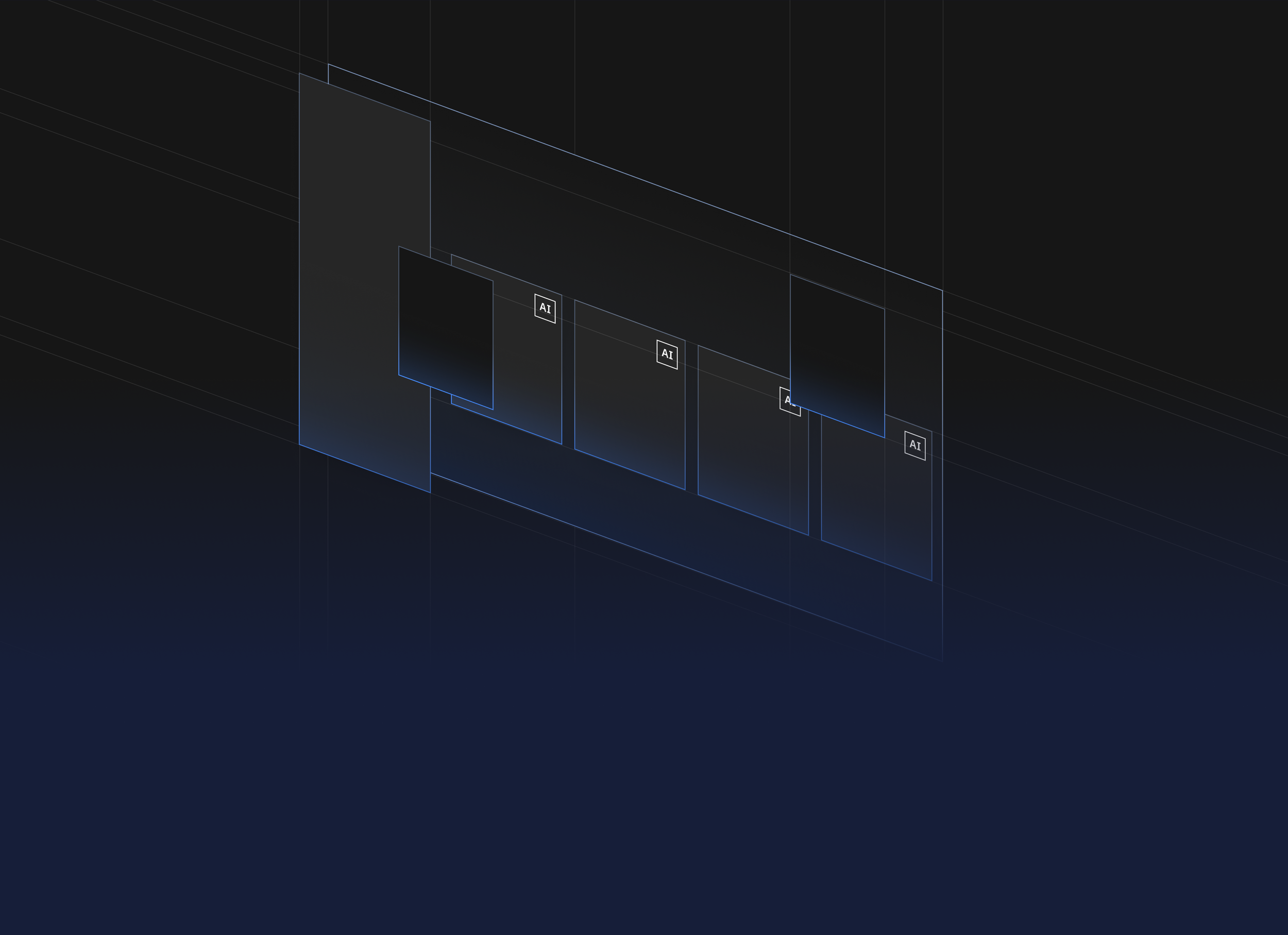
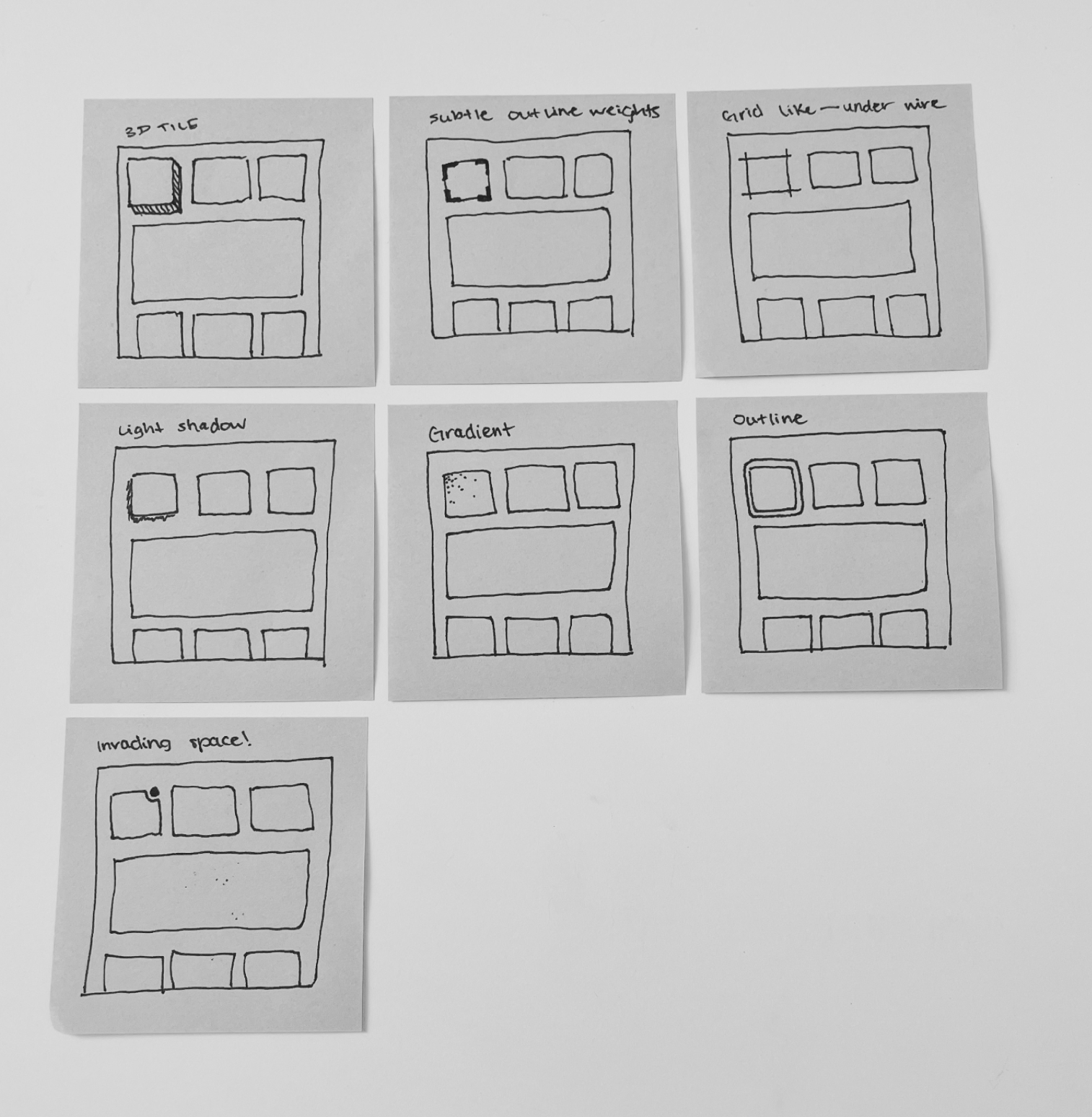
Carbon for AI uses light-inspired effects like brightness, glow, and gradients to emphasize AI instances across the experience. While inheriting the same fundamental principles from Carbon, AI content must stand out so that users can recognize its presence immediately.
Making AI visible
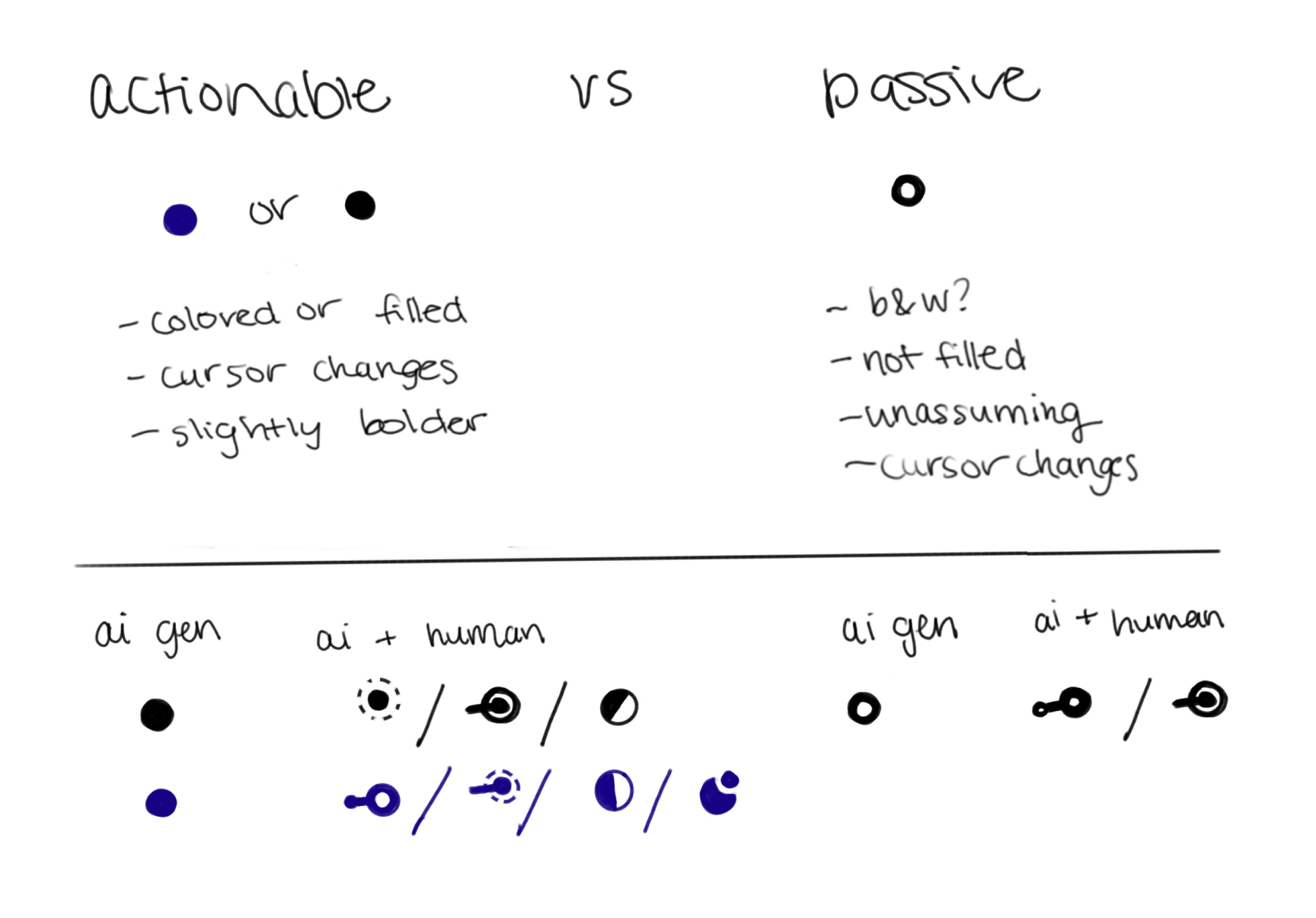
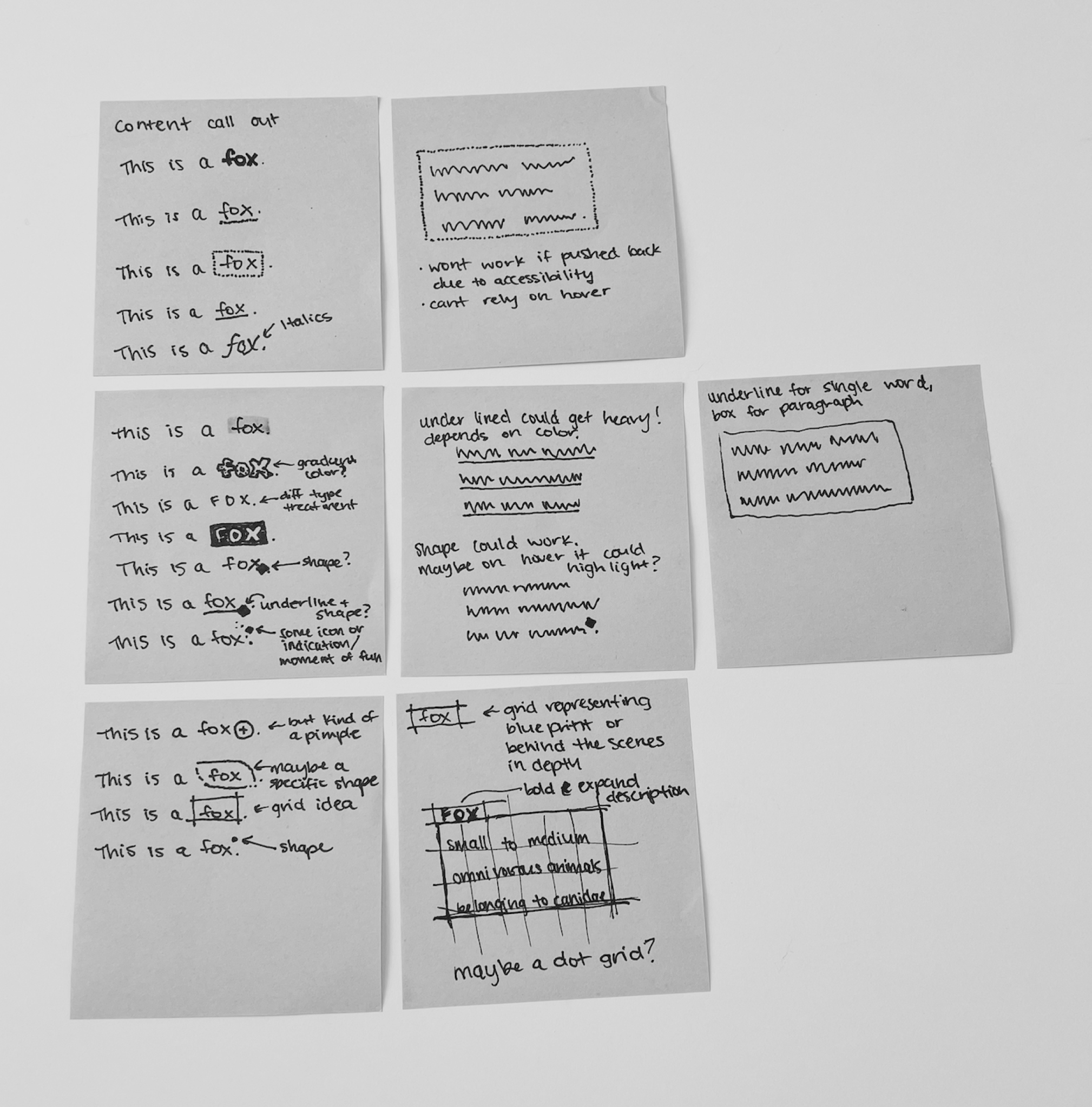
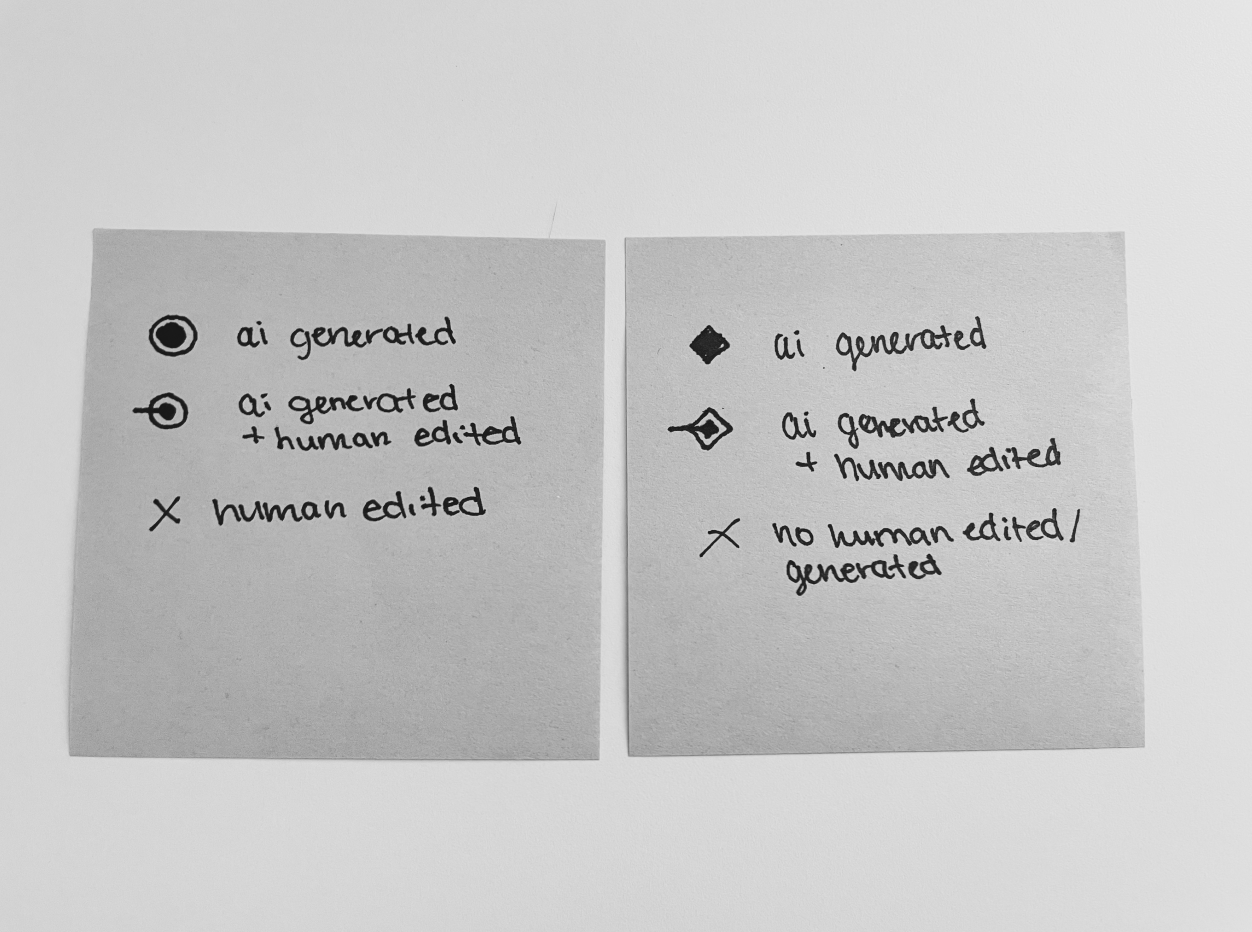
The AI label marks where AI is present in the interface. It builds transparency by giving users a clear visual cue — the AI icon — and serves as the entry point to explainability through the popover.
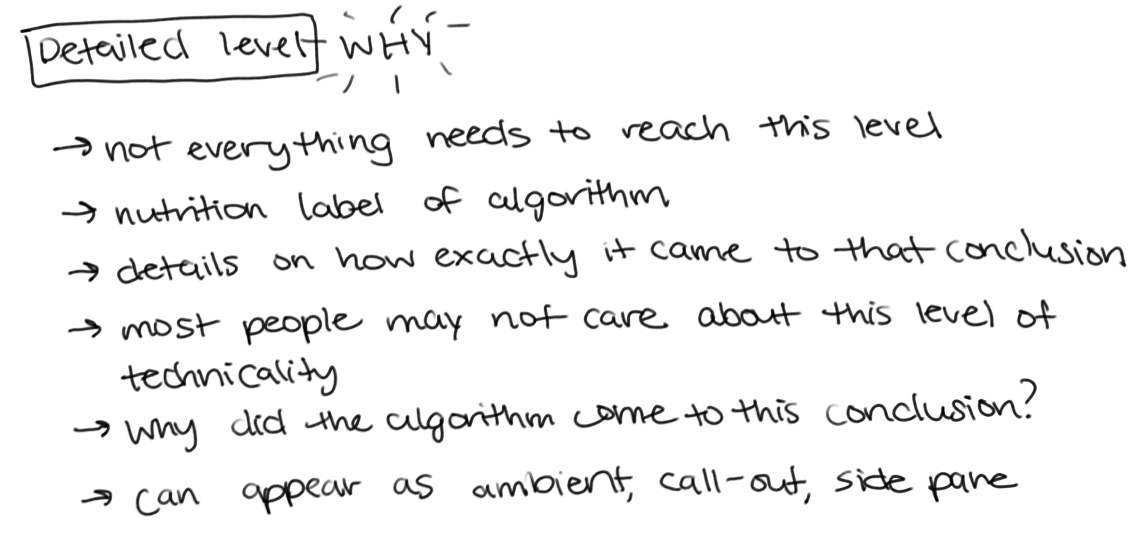
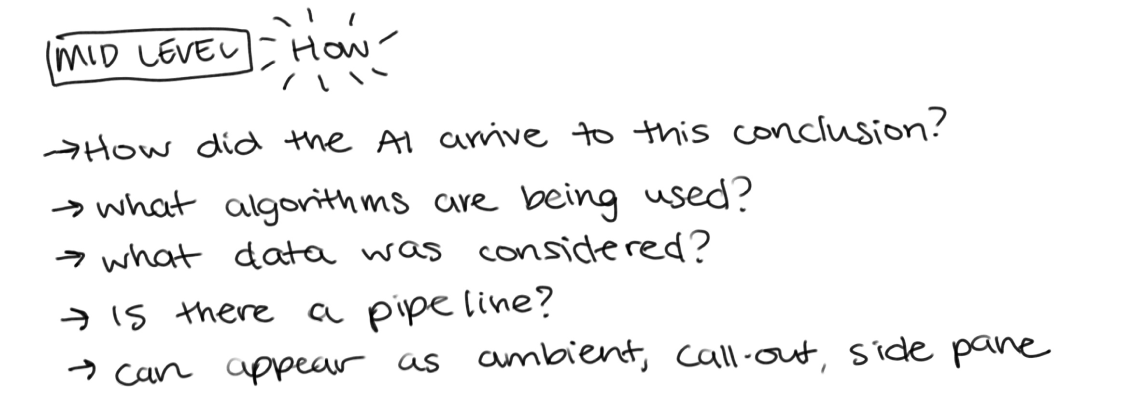
Designing for explainability
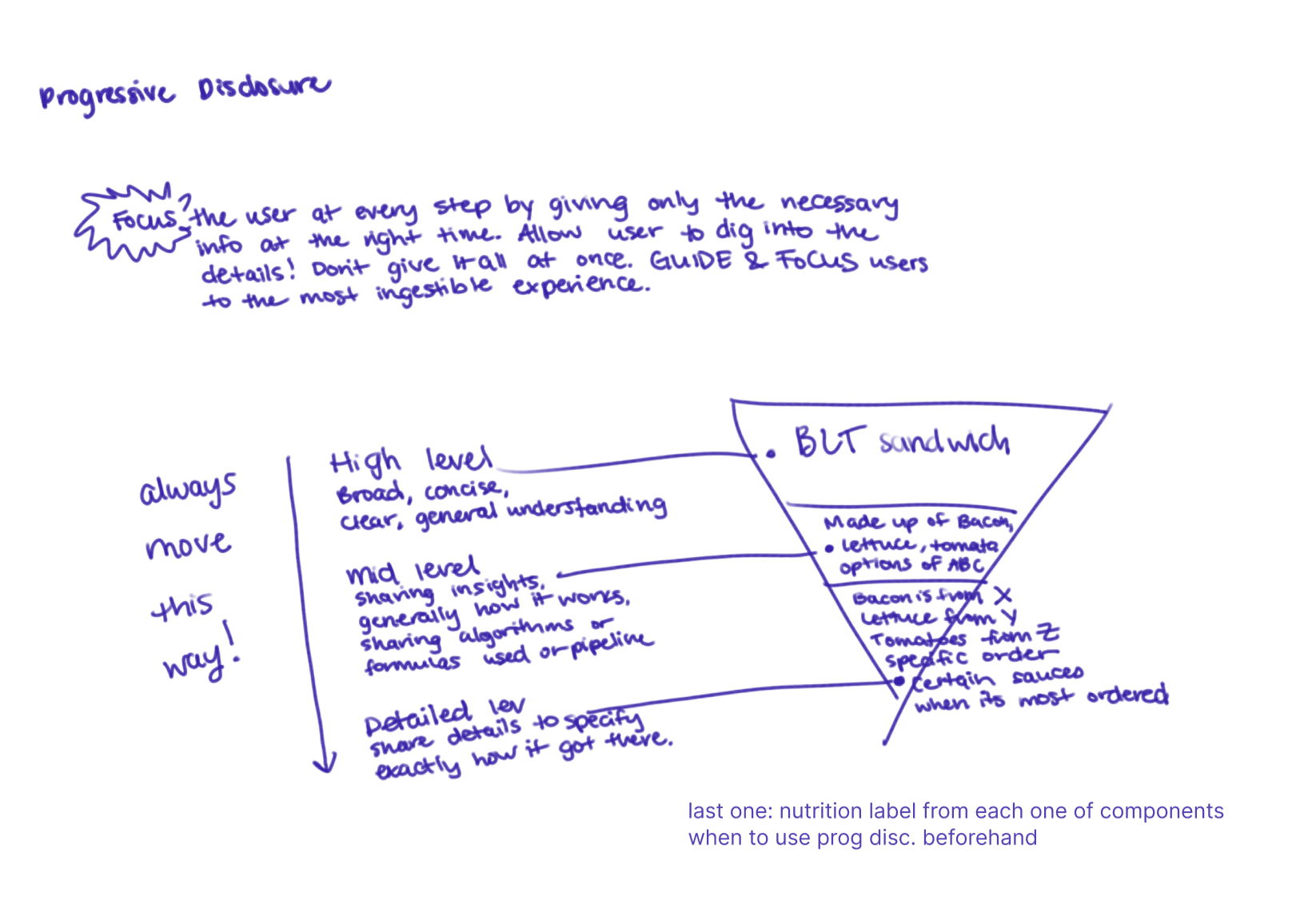
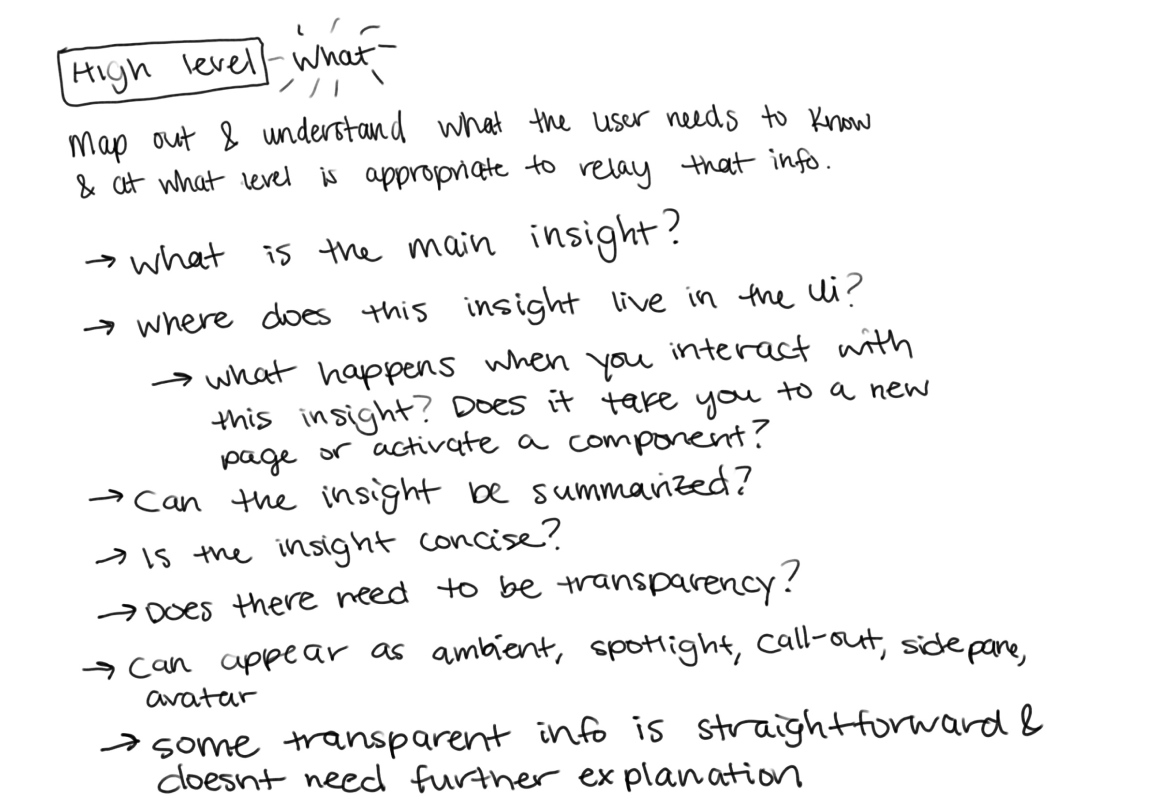
Explainability makes AI decisions clearer to users by showing what the system did and why. The AI label opens a modular popover that provides quick, contextual explanations. This lightweight design builds trust and can be tailored to the level of detail needed, ensuring transparency without overwhelming the user.
Baking AI into every component
Carbon for AI extends the core Carbon library by applying illumination and depth to components such as buttons, tables, and inputs. This styling makes AI-generated or AI-recommended content immediately recognizable while remaining consistent with Carbon principles and IBM Design Language DNA.
Phase 1 — Initial concepts
Phase 1 — Accessibility concerns
01
Frosted glass illumination
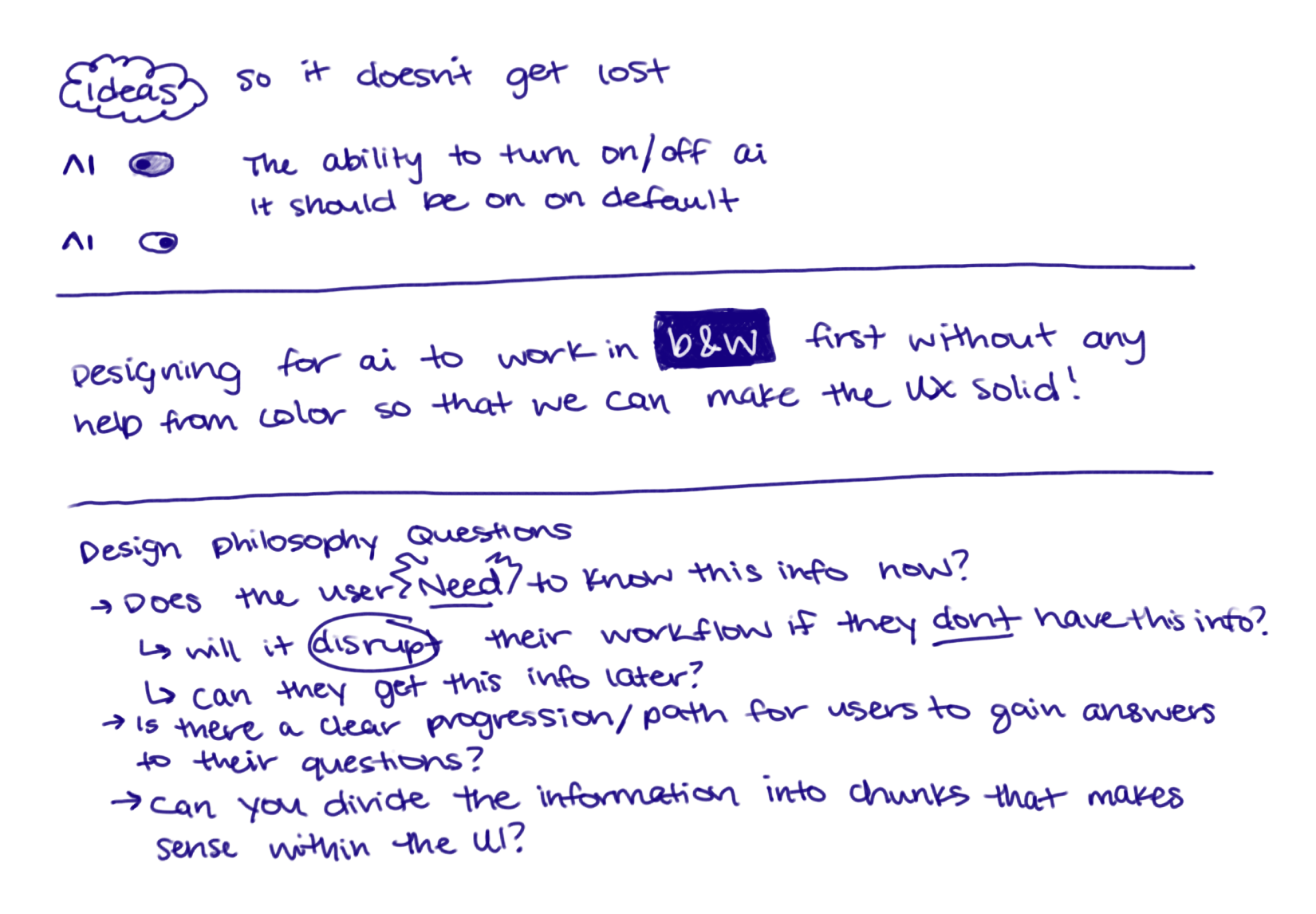
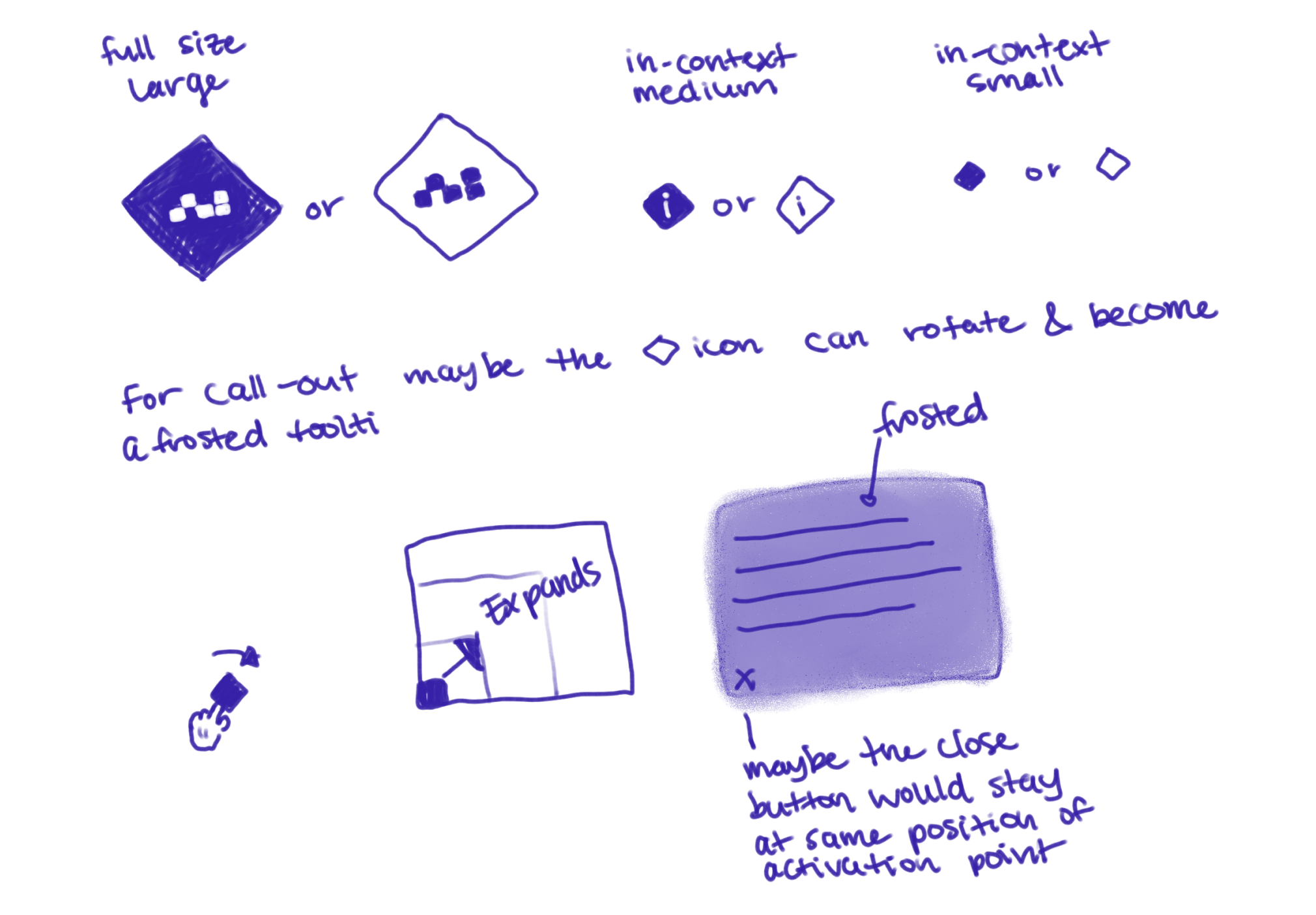
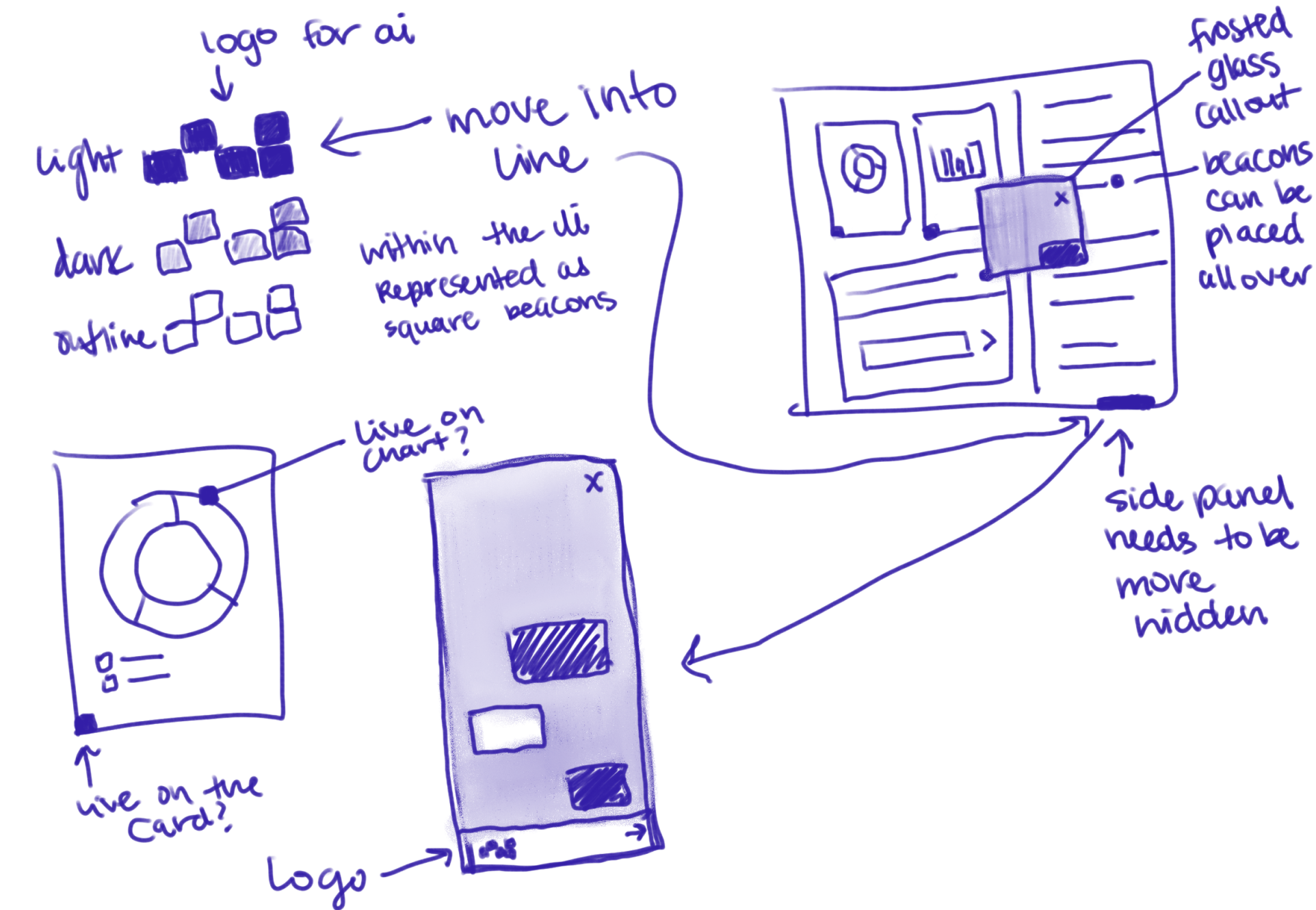
The frosted glass effect created too many opportunities for unpredictable accessibility challenges.
02
Layering issues
Stacking multiple layers of frosted glass made it harder to ensure each layer remained accessible. It also went against the Carbon Layering model.
03
Visual overload
The combination of light, pattern, and fade effects with the frosted glass introduced too many signals to indicate AI recognition.
04
Clarity of AI vs non-AI
It had to be unmistakably clear which parts of the UI represented AI functionality and which did not.
Phase 1 — Delivery
Phase 2 — Iterations & Delivery
Phase 3 — Solution

Democratizing AI, making it accessible for all